

From a Spark of Curiosity to Canva Mastery
How I Discovered My Passion for Poster Design
I still remember the moment I first opened Canva. Like so many others, I thought: “This looks fun … but can I really make something good with it?”
Little did I know, that day would mark the opening of a door I would walk through again and again.
Back then, as a digital marketer in Thrissur, I was surrounded by visuals — social media ads, banner images, campaign graphics. Yet, designing posters felt like something reserved for “real designers.” Canva, to me, felt like a gentle invitation: simple, playful, but full of possibility.
So I dove in. I experimented. I messed up. I restarted. Slowly, I began turning ideas into visuals, letting shapes, colors, and type tell stories. And over time, what started as a hobby grew into a passion — one that now defines a big part of who I am.
The Early Struggles (and What They Taught Me)
On my first few attempts, I felt limited. I didn’t know about alignment, hierarchy, or color contrast. My posters often felt cluttered, with text that didn’t pop or elements fighting for attention.
Here’s what those early “failures” taught me:
Less is more. Too many fonts, too many colors, too many elements — it overwhelms.
Typography matters. Choosing the right font, adjusting spacing (kerning & leading) — these small shifts can make or break a design. (Canva itself emphasizes typography as a core principle of poster design) Canva
Hierarchy and focal point. A poster needs a hero — one element or message that draws the eye. Everything else backs it up.
White space is your friend. Giving breathing room around elements helps them shine.
Iteration is key. Design is not “one and done.” You tweak, you step back, you test, you refine.
Every flawed draft was a stepping stone. The more I practiced, the more I learned to see design choices — color, spacing, balance, contrast — as conversations between elements, not separate decisions.
The Turning Point: From Enthusiast to Expert
One day, I looked back at earlier works and realized how far I’d come. What once felt like random placements now followed an intuitive logic. What once seemed unrefined now had clarity. What once looked amateur now looked thoughtful.
Here are moments and practices that accelerated my growth:
Studying design principles. I read about layout, color theory, visual hierarchy, composition.
Reverse-engineering great posters. Canva has a gallery of excellent examples and templates to get inspired. Canva+1
Embracing templates — then bending them. Templates give structure; customization gives personality.
Saving my own templates. Once I hit a style I liked, I’d turn it into a reusable template to speed up future work.
Gathering honest feedback. Sometimes others saw issues I missed — and that helps your design evolve.
Pushing boundaries. Trying bold typography, layering elements, experimenting with shapes — slowly expanding my comfort zone.
Now, when I jump into Canva, the blank canvas excites me rather than scares me. I carry a mental toolkit of design choices, but each project is still its own creative journey.
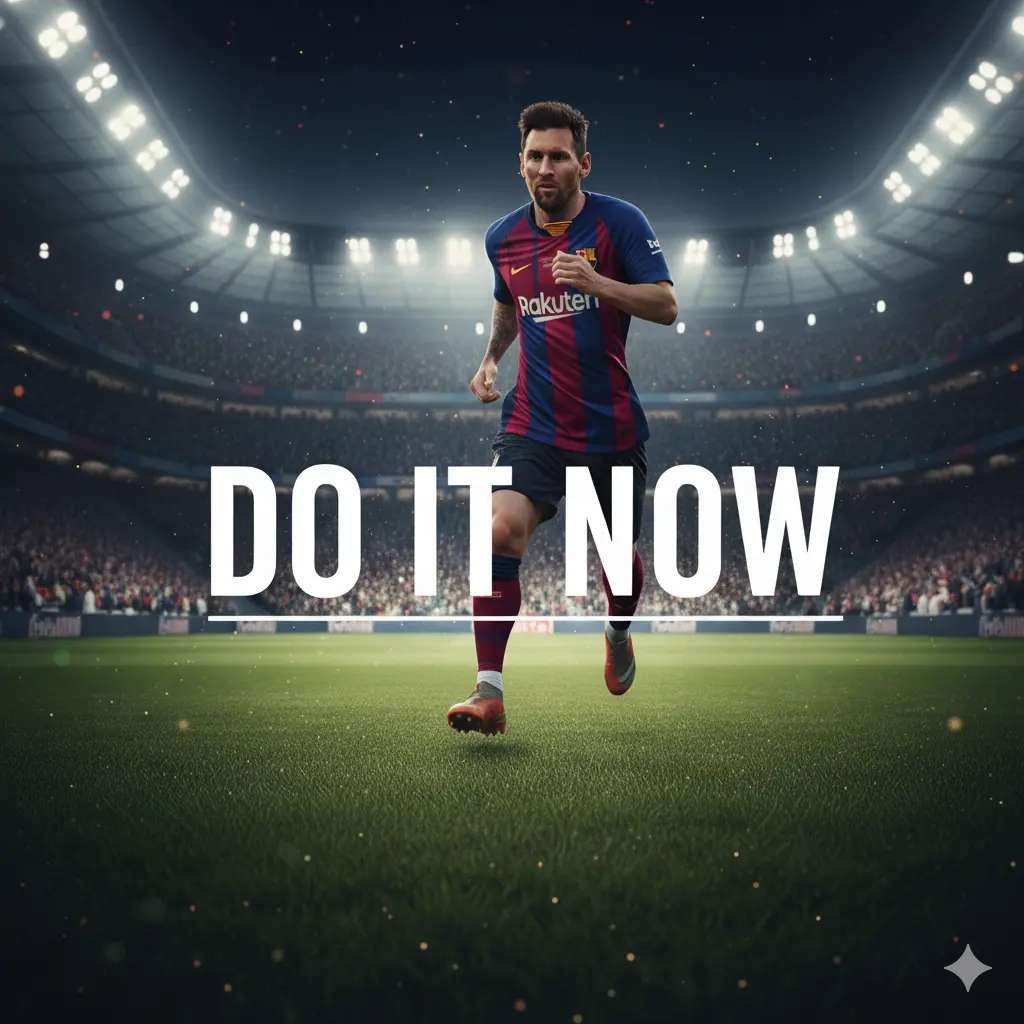
Why Poster Design Matters to Me
As a digital marketer, visuals are my tools of influence. Posters are powerful because:
They stop the scroll — whether online or on a physical wall.
They tell a story at a glance — the right imagery, font, and layout can communicate mood, urgency, identity.
They bridge art and message — they are not just pretty; they serve a purpose (promote an event, share a quote, advertise something).
They challenge me creatively — every poster is a new puzzle: what to include, what to omit, how to balance.
Designing posters in Canva gives me the freedom to merge my marketer’s mindset (what works, what converts) with my creator’s heart (what feels beautiful).
Tips I Wish I Knew Earlier
Here are few things I tell others now:
Limit your fonts. Stick to 1–2 fonts max. Too many distract. Canva
Use contrast smartly. Light text on dark background (or vice versa), bold vs. thin weights — make your message pop.
Have a clear focal point. Your viewer only has seconds to decide if your poster is worth their attention.
Respect whitespace. Don’t cram everything in. Give breathing room.
Save versions and templates. As you iterate, you’ll want to revisit what worked.
Explore layering and transparency. Subtle overlays or transparent shapes can add depth.
Always preview at the size it will be seen. What looks good small may look cluttered large (or vice versa).
Learn from design galleries. Watch trending poster styles, see what people share. (Canva’s “50 outstanding posters” showcase is a great example) Canva
Looking Forward: My Vision & Invitation
Poster design in Canva is not just something I do — it’s part of who I am. I want to:
Teach others how to go from “I can’t design” to “I love designing.”
Build a portfolio of poster collections — for events, social causes, personal stories.
Collaborate with brands, nonprofits, creators who want meaningful visual identity.
Keep experimenting — mix in AI tools, motion/animated posters, video poster hybrids.
If you’re reading this and also feel stuck or curious — know this: you already have what it takes. You don’t need to be a tech wizard. You just need curiosity, practice, and courage to press “Publish.”